
This report displays a date-wise summary of user registrations on the platform. This helps admins monitor user growth over specific periods.
To add multiple vendors, follow these steps:
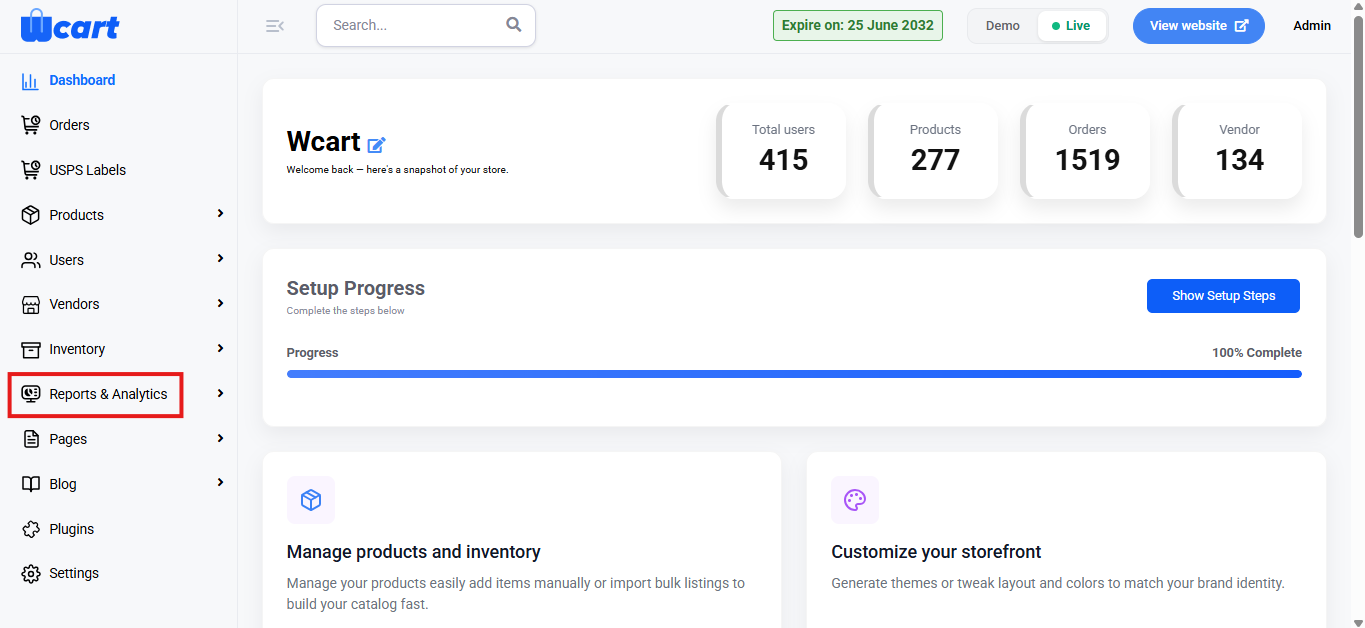
- Navigate to the sidebar menu and select ‘Reports & Analytics’.
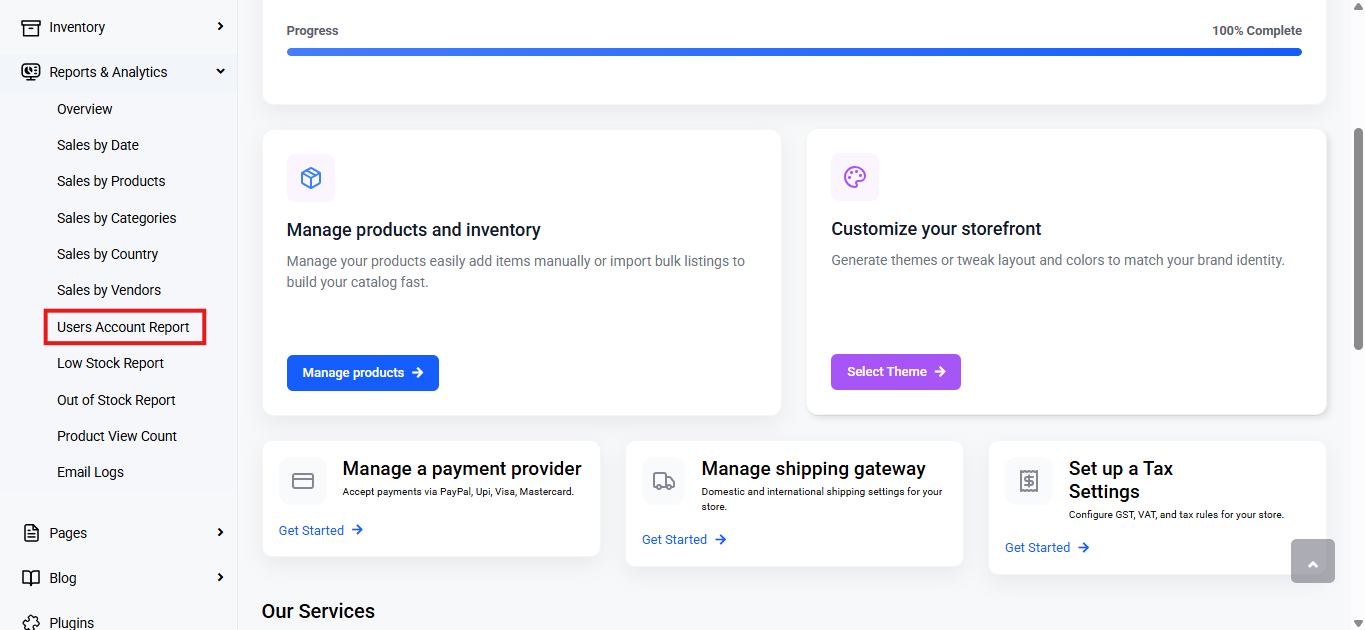
- Select ‘Users Account Report’ from the submenu.
Range Selector
- Purpose: Allows you to filter the dashboard data based on a specific time period.
- Options Available:
- Today
- Yesterday
- This Week
- Last Week
- This Month
- Last Month
- Custom Range: Select Custom Range to filter data for a specific period.
- Choose start (From) and end (To) dates.
- Click Submit to apply.
- All reports will update based on the selected range.
When a range is selected, all data in the dashboard is updated accordingly.
Table Columns
- Date: Displays the date of registration.
- User Count: Total number of users registered on that specific date.
- Action: Click the eye icon to view user details for that date. Clicking on this will open the ‘All Users’ side menu bar where user details can be viewed and edited.
This report provides an easy-to-read summary of user registrations, allowing admins to track user growth over selected time periods and gain insights into registration patterns, helping improve user engagement strategies and platform management.