
This section displays a report summarizing the number of views recorded for products across the platform.
To view the Product View Count Report, follow these steps:
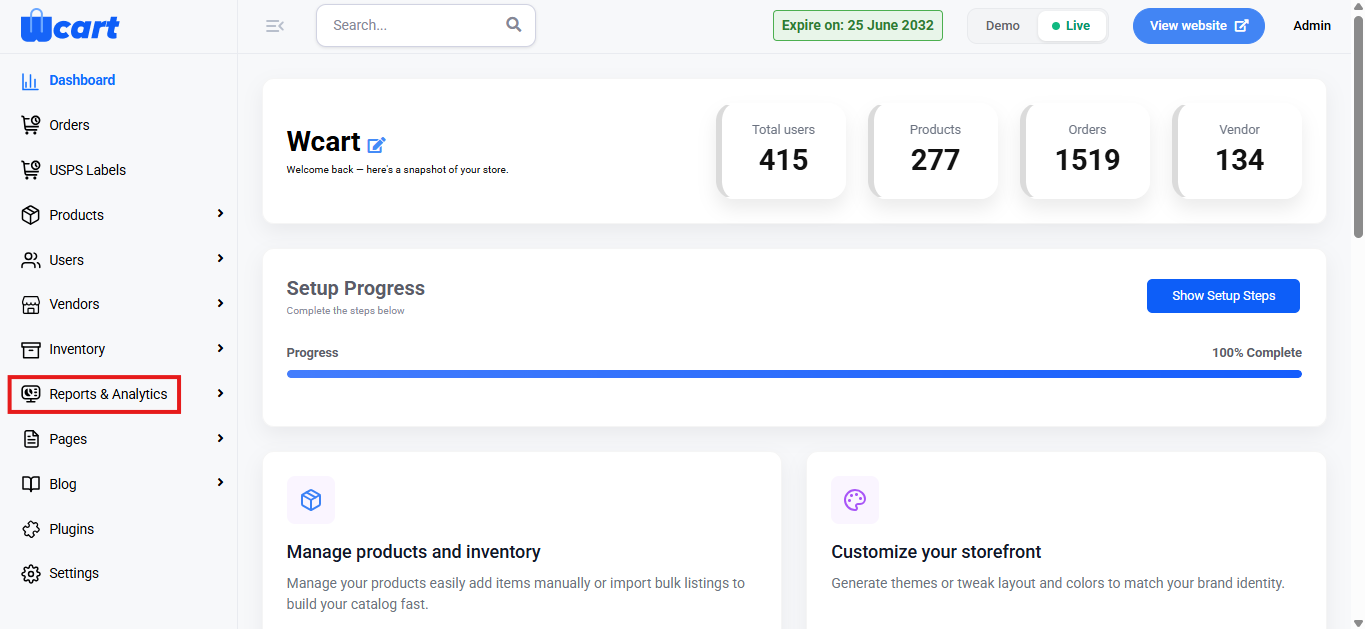
- Navigate to the sidebar menu and select ‘Reports & Analytics’.
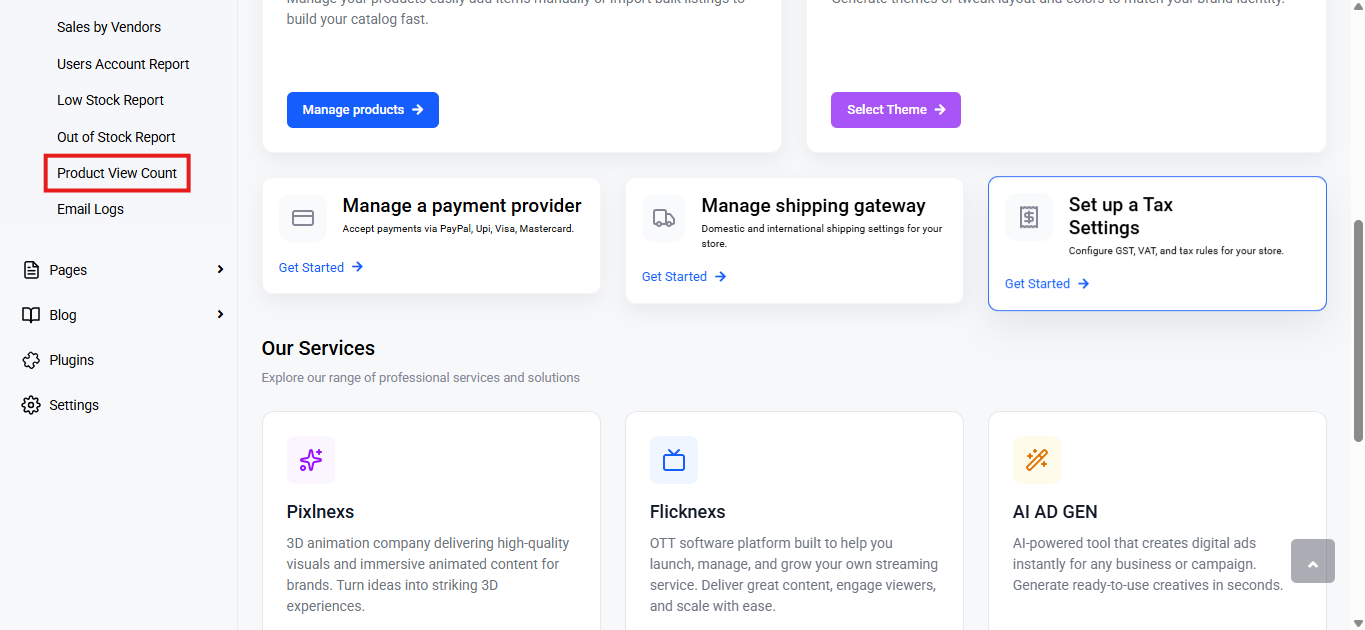
- Select ‘Product View Count’ from the submenu.
Export
Click Export to download the report.
File Types Available:
- CSV
- Excel
Choose a format and click Export to download.
Below this control, you will find a table with various columns to interpret product view count data quickly and accurately. The columns are listed below:
- S. No: Serial number indicating the position of the product in the list.
- Name: Full name of the product being viewed.
- View Count: Total number of times the product has been viewed by users.
This report provides valuable insights into user engagement by tracking the number of views each product receives. This helps admins identify popular products and adjust marketing or inventory strategies accordingly to optimize sales performance.