
This section displays a report of email activity maintained within the platform.
To view the Email Logs Report, follow these steps:
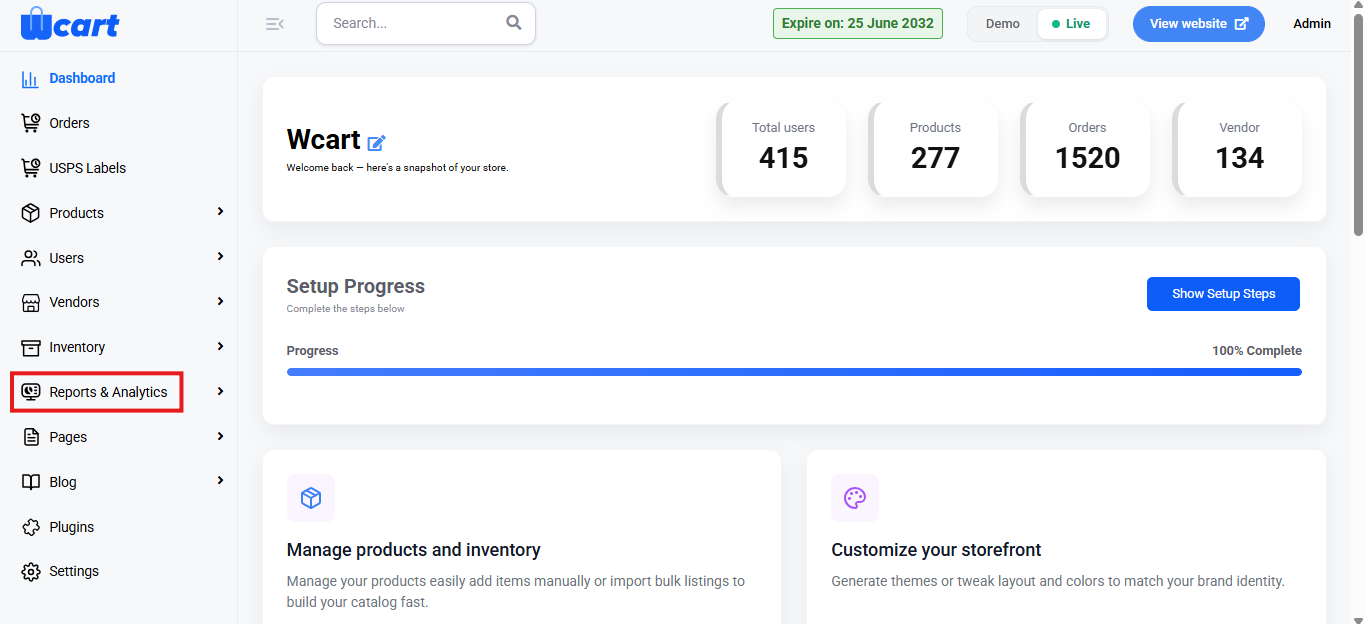
- Navigate to the sidebar menu and select ‘Reports & Analytics’.
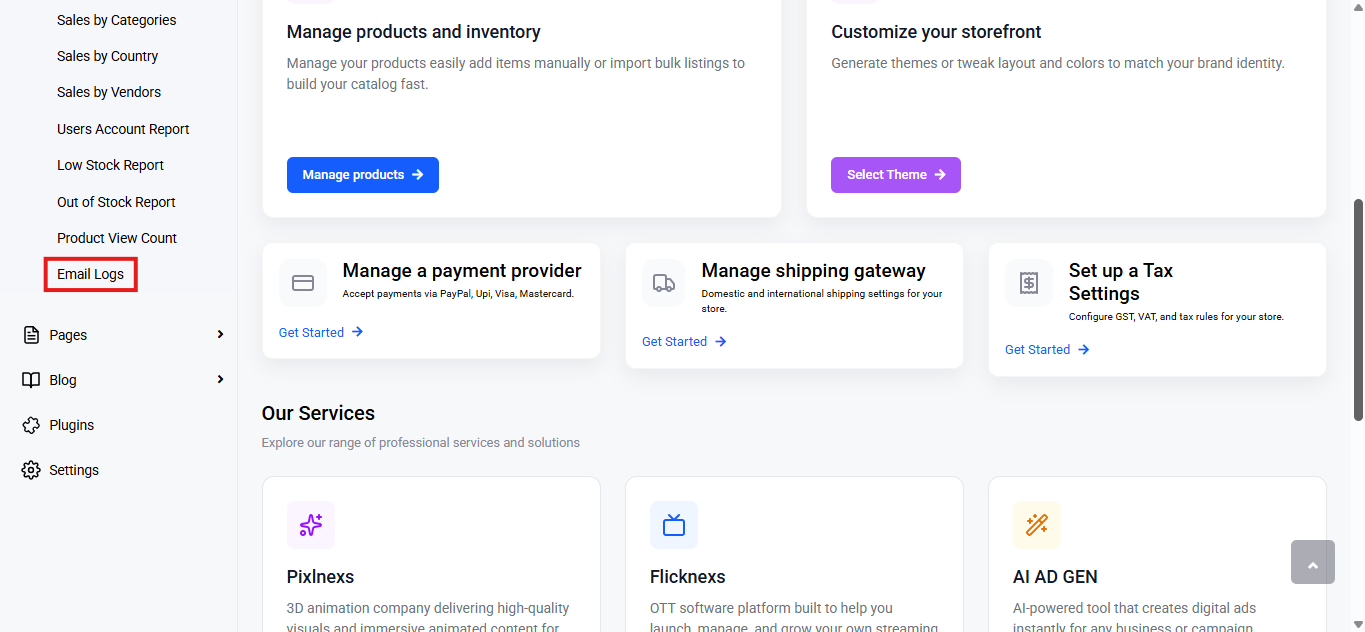
- Select ‘Email Logs’ from the submenu.
Export
Click Export to download the report.
File Types Available:
- CSV
- Excel
Choose a format and click Export to download.
Below this control you will find a table with various columns to interpret email logs data quickly and accurately. The columns are listed below:
- S.No: Displays the serial number of the email log entries.
- Subject: Shows the subject line of the sent email.
- Send to: Indicates the recipient’s email address.
- Status: Reflects the email delivery status.
- Success: The email was successfully sent and delivered to the recipient’s mail server.
- Failed: The email could not be delivered to the recipient.
- Send Date: The date the email was sent.
- Content: Clicking the eye icon allows you to view the content of that specific email.
This section offers a quick overview of email activity, with export options and clear status details to easily track and verify sent emails.