
This section allows you to configure and control how shipping charges, free shipping options, and minimum order conditions are applied during checkout.
To configure, follow these steps:
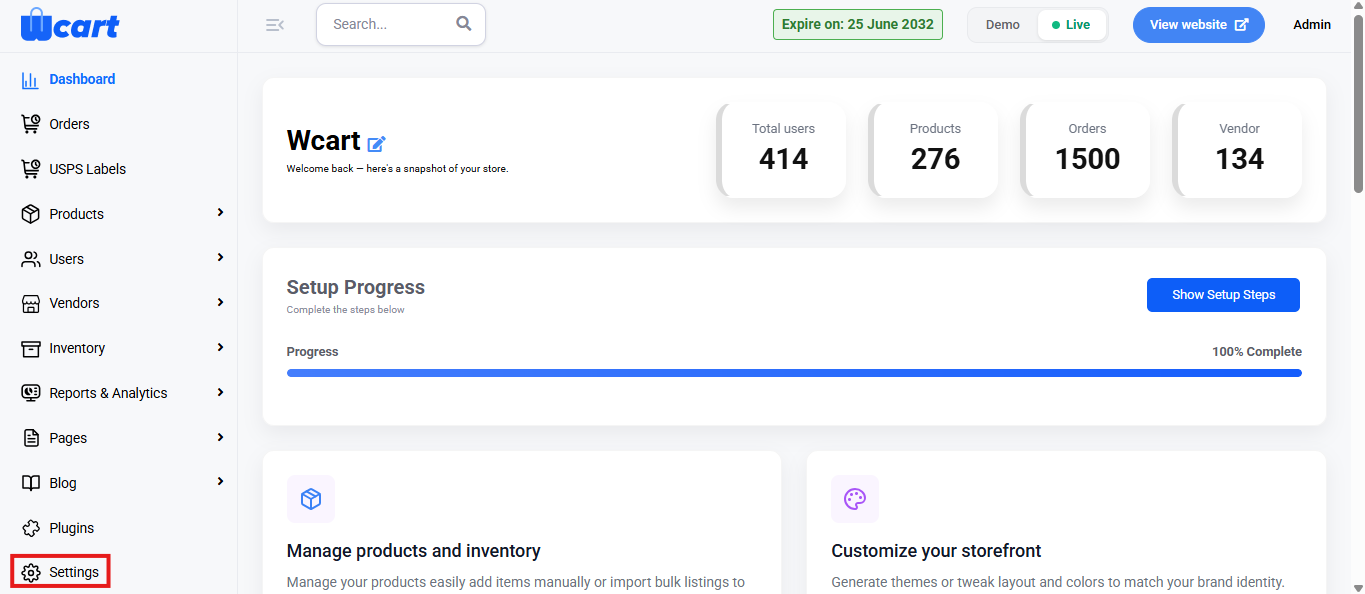
- Navigate to the sidebar menu and select ‘Settings’.
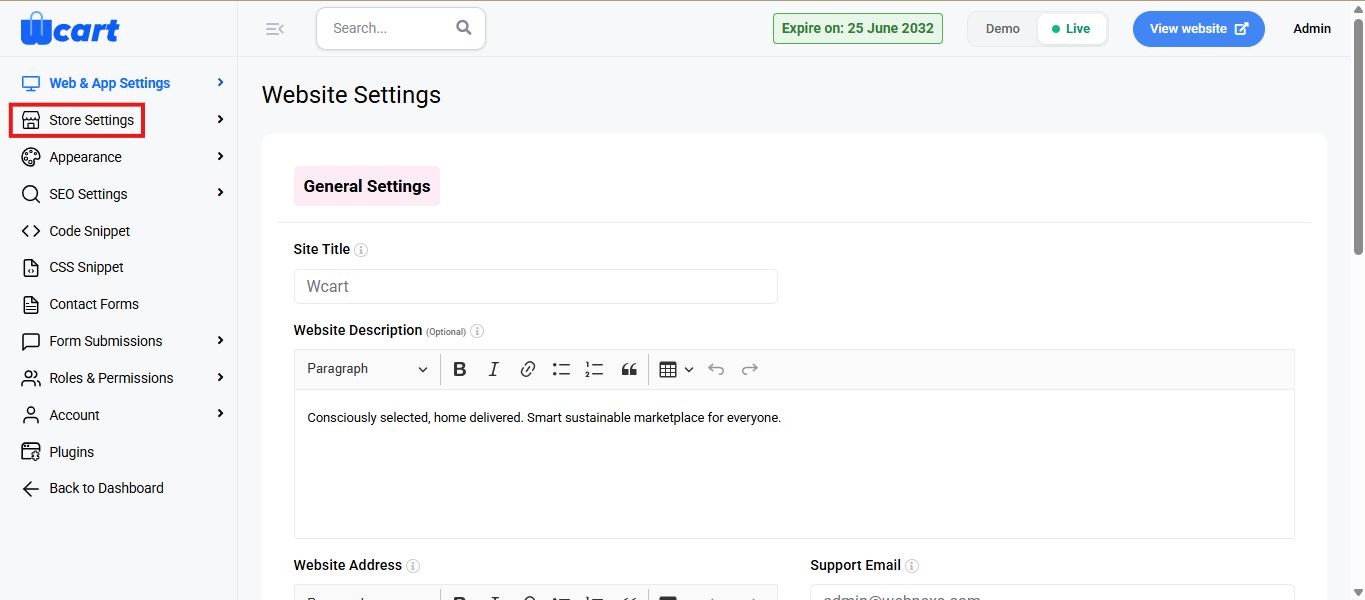
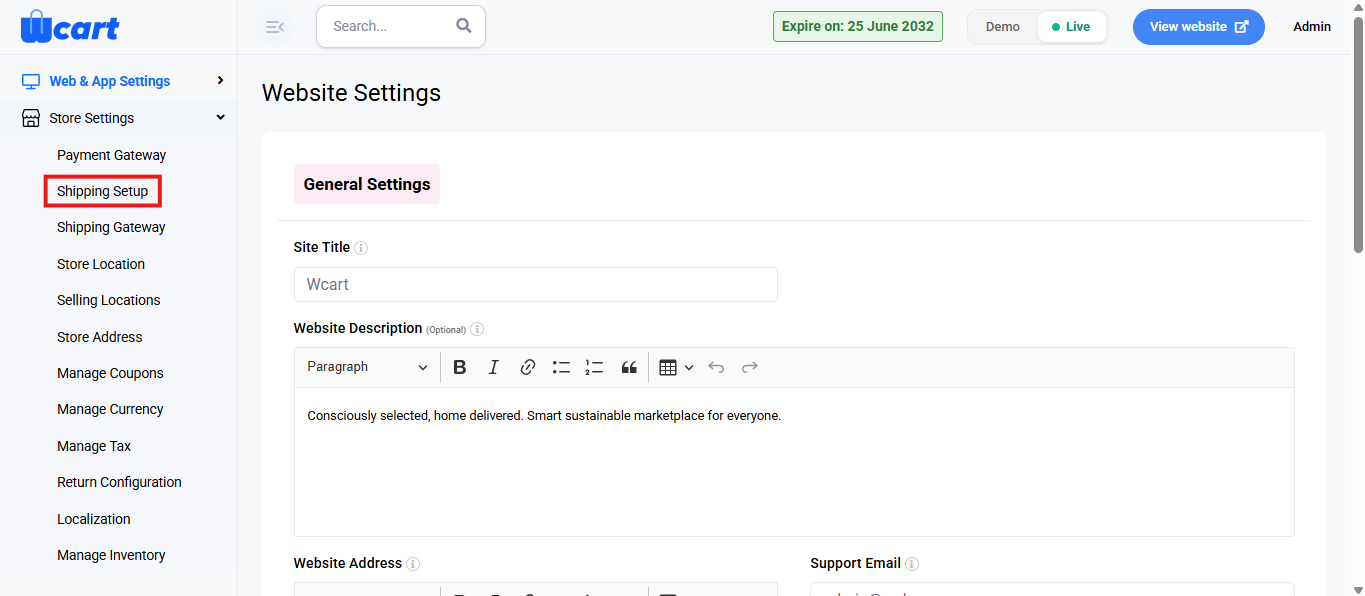
- Click ‘Store Settings’ and then select ‘Shipping Setup’.
You will find the options listed below to configure:
- Shipping Setup: Used to configure how shipping charges and rules apply to orders in the store.
- Shipping Type: Defines how shipping costs are calculated.
- Shipping Label: The text displayed to customers for shipping charges during checkout.
- Enable free Shipping: Allows you to offer free shipping to customers. Enable by selecting ‘Click here to Enable free Shipping’.
- Do you have any minimum amount: Enables a minimum order value condition for shipping rules. Activate by selecting ‘Click here to enable minimum amount’.
- Minimum Amount: Specifies the minimum cart value required for the shipping condition to apply.
- Update: Saves all shipping configuration changes and applies them to the store checkout process. A toast notification ‘Updated Shipping Setup’ will appear to confirm the update.
These settings help administrators accurately manage shipping charges, control free shipping eligibility, and define minimum order requirements, ensuring a consistent and transparent checkout experience for customers.