
The Payment Gateway section allows you to manage the online payment providers available in your store. You can view all integrated gateways, check their status and control whether they run in Live or Sandbox mode.
To configure, follow these steps:
- Navigate to the sidebar menu, click ‘Settings’ and then select ‘Store Settings’.
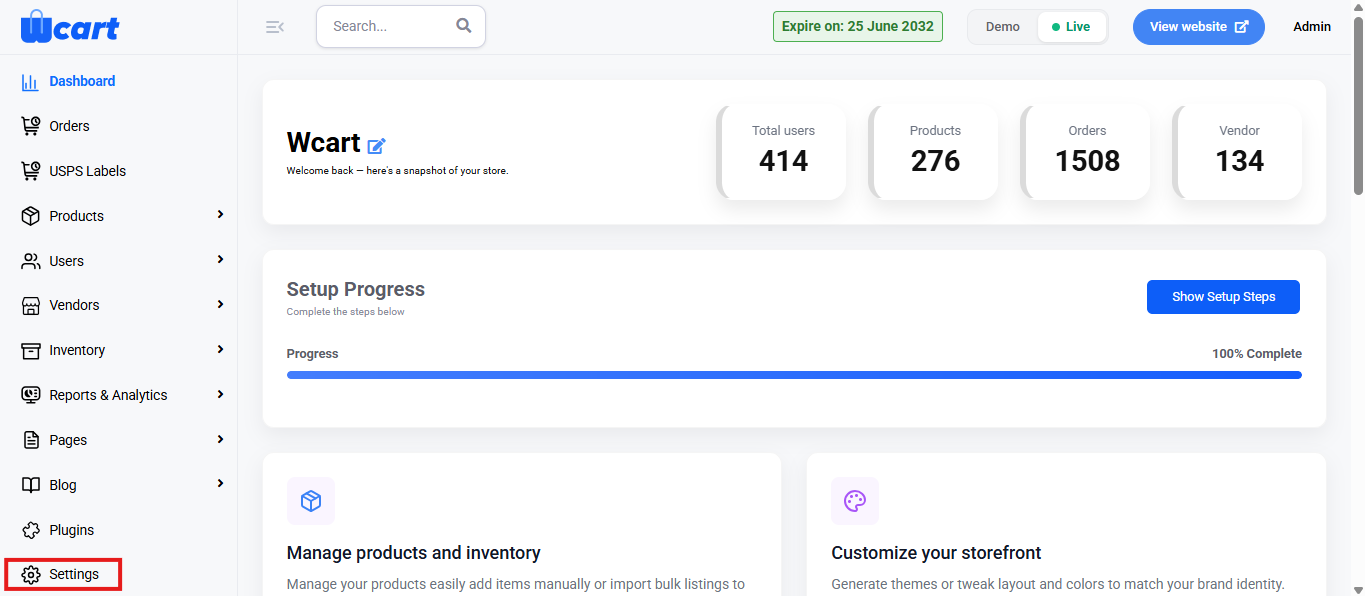
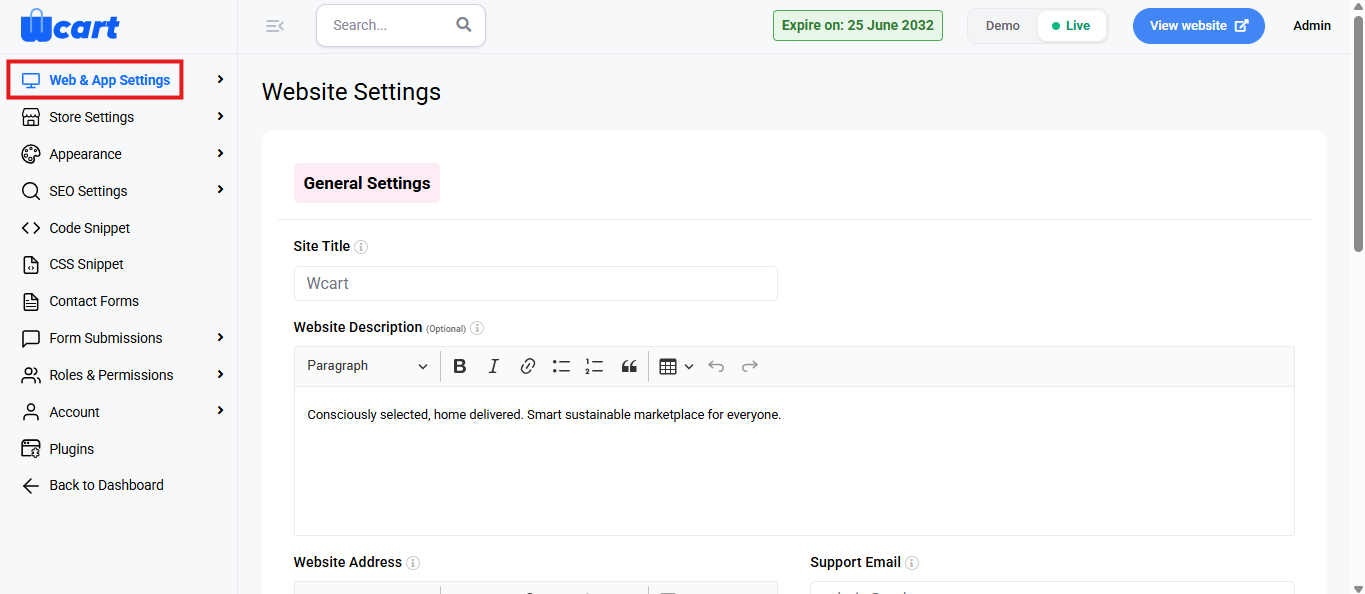
- Select ‘Payment Gateway’ from the submenu.
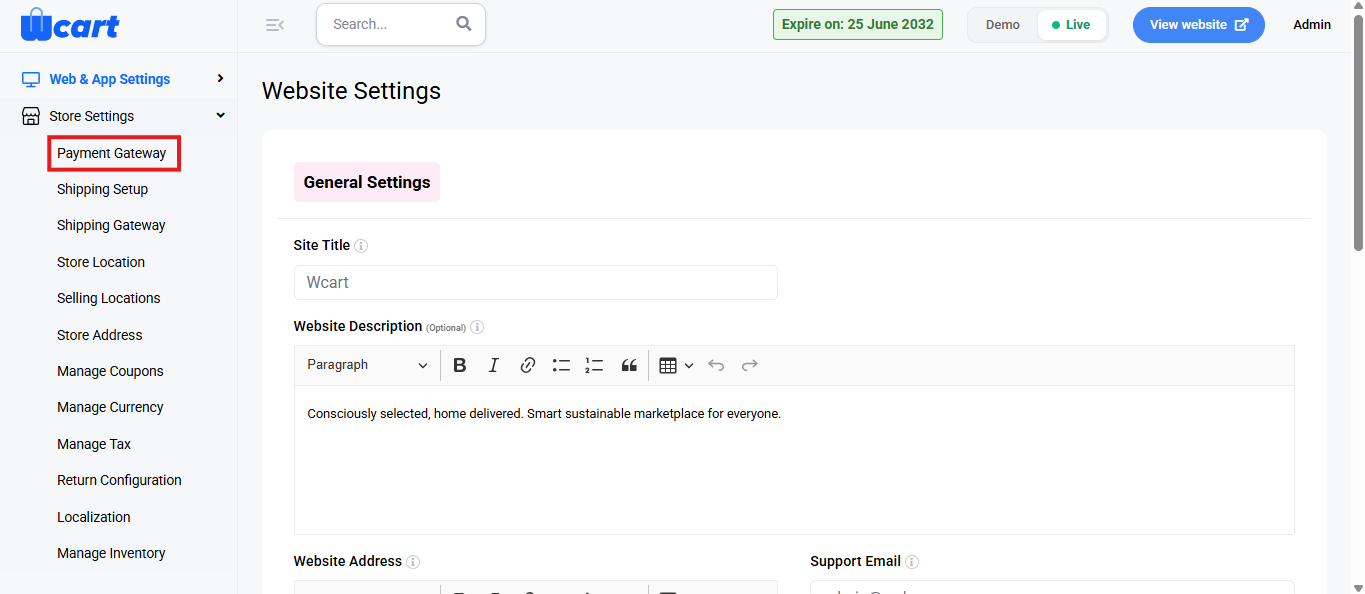
The Payment Settings page displays a list of all available gateways. The column overview of the table is provided below:
Columns overview:
- S.No: Serial number for each payment gateway.
- Payment Gateway: Name of the payment provider.
- Status: Indicates whether the gateway is currently Active or Inactive for your store.
- Live / Sandbox: Shows whether the gateway is running in Live mode or Sandbox (test) mode.
- Action: Click the edit icon to open and configure settings for that specific gateway (such as API keys, credentials, and mode).
Fields for editing a payment gateway:
- Payment Gateway Name: Displays the name of the selected gateway (for example, Checkout.com). This is usually prefilled and not changed.
- Live / Sandbox: Choose whether the gateway currently runs in Live mode or Sandbox mode for testing.
Sandbox credentials:
- Test Key Id: Enter the sandbox public key provided by the payment gateway for test transactions.
- Test Key Secret: Enter the sandbox secret key used to authenticate test API calls.
Live credentials:
- Live Key Id: Enter the live public key used for real customer transactions.
- Live Key Secret: Enter the live secret key for authenticating live API requests.
Additional options:
- Payment Gateway Description (Optional): Add a short description about this gateway, such as supported cards, wallets, or regions. This is for internal reference or display where applicable.
- Status: Set the gateway as Active to enable it at checkout or Inactive to temporarily disable it.
After entering or updating all required details, click ‘Submit’ to save the changes or Cancel to discard them. A toast notification ‘Payment Settings Updated’ will appear to confirm the update.
Setting up your payment gateways correctly ensures secure and seamless transactions for your store. You can easily manage and switch modes as needed for testing or live operations.