
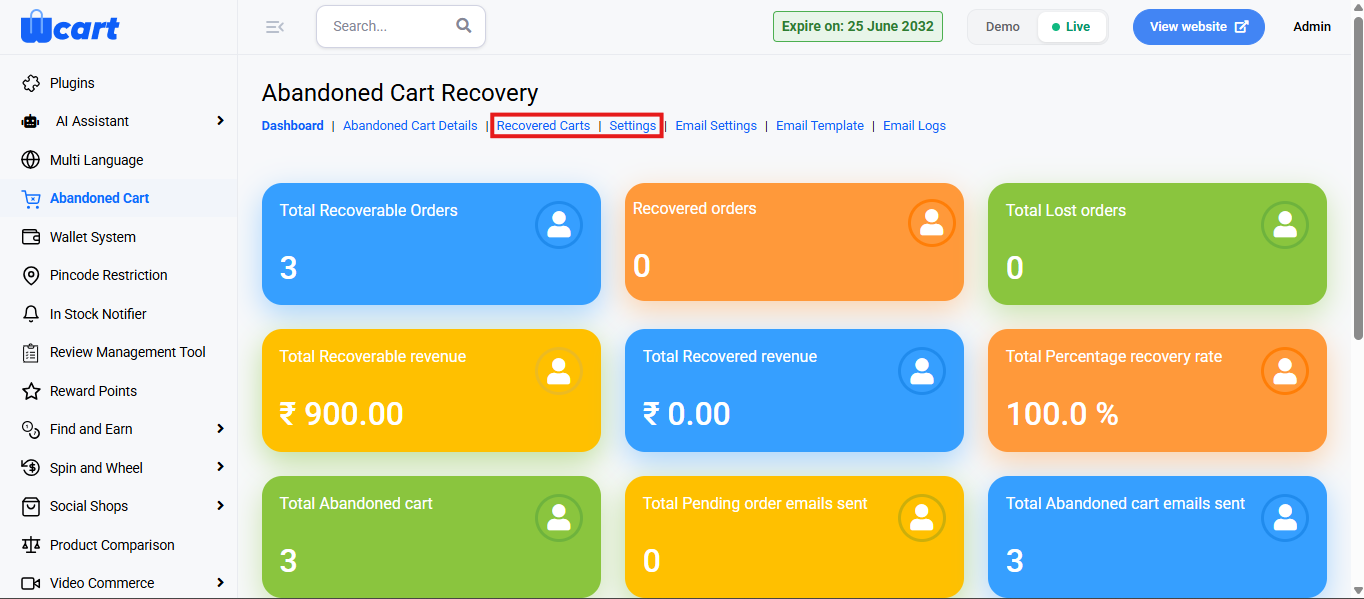
Tracks abandoned shopping carts and helps in recovering lost sales by reminding users via email or notifications. From the Abandoned Cart navigation tabs, this section covers Recovered Carts and Settings.
To configure, follow these steps:
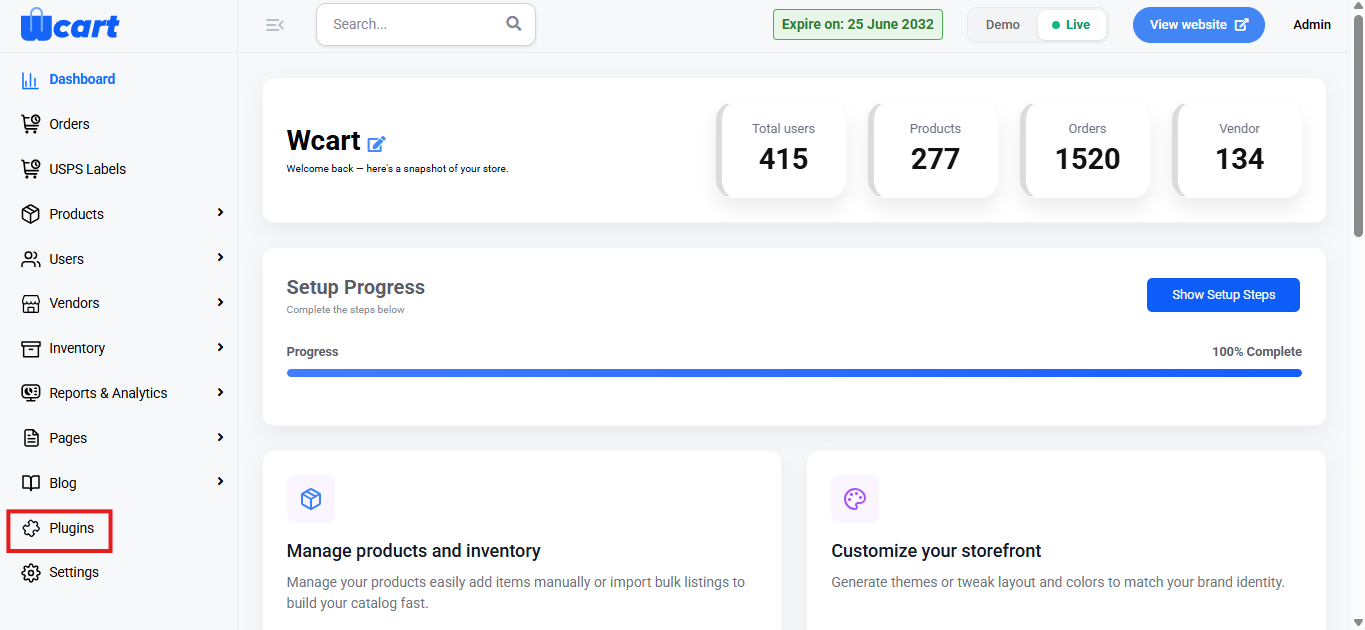
- Navigate to the sidebar menu and select ‘Plugins’.
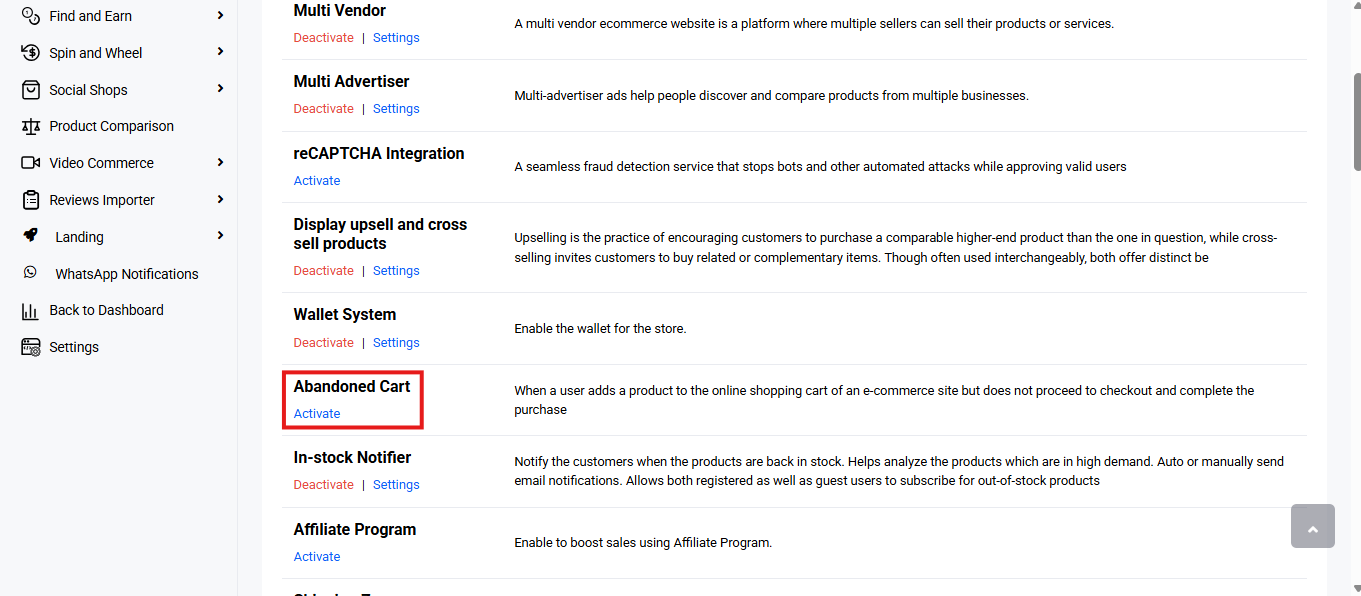
- Locate ‘Abandoned Cart’ and click ‘Activate’. You will now see two options: ‘Deactivate’ and ‘Settings’. When you click ‘Activate’ or ‘Deactivate’, a toast notification showing ‘Abandoned Cart Plugin Activated’ or ‘Abandoned Cart Plugin Deactivated’ will appear to confirm that the plugin has been activated or deactivated. You can configure the Abandoned Cart settings by clicking ‘Settings’ or by selecting ‘Abandoned Cart’ from the left sidebar menu after activation.
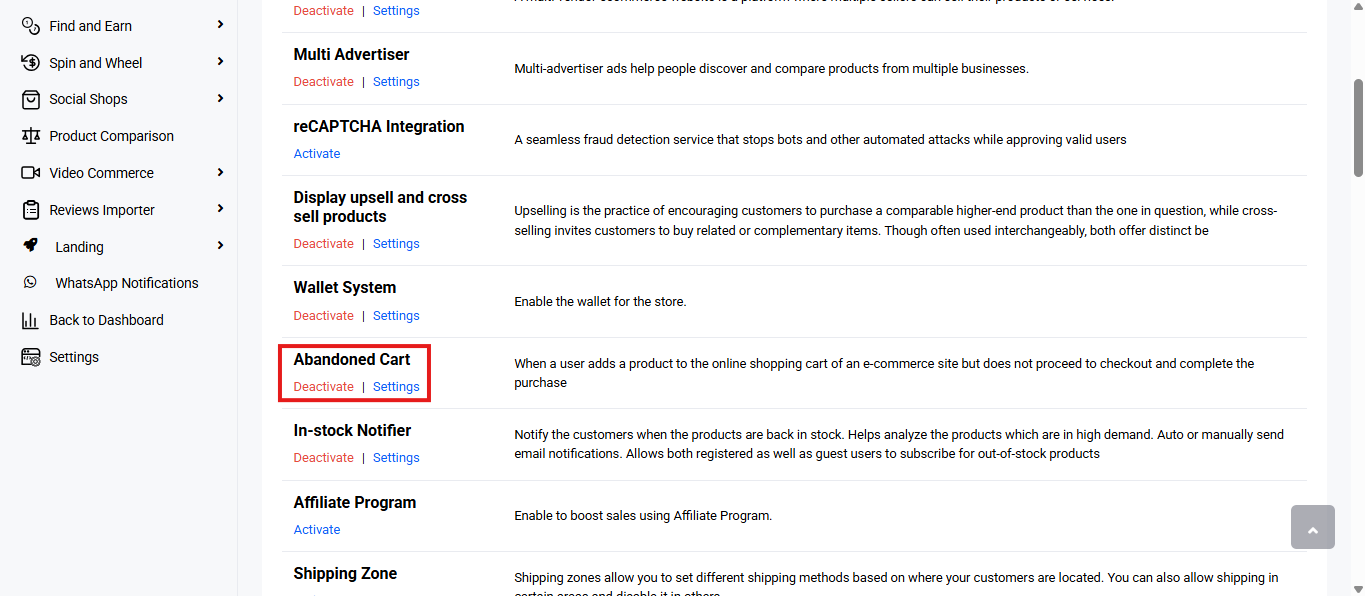
- From the navigation tab, select Recovered Carts or Settings to configure.
Recovered Carts
Tracks and manages successfully recovered abandoned cart orders.
You will find a table with various columns to interpret recovered carts data quickly and accurately. The columns are listed below:
- S.No: Serial number of the entry.
- Order ID: Unique identifier of the recovered order.
- User Name: Name of the customer who completed the purchase.
- Product Name: Name of the product(s) recovered in the order.
- Quantity: Total quantity of items in the recovered cart.
- Date: Date when the cart was recovered and converted into an order.
- Total Amount: Final value of the recovered cart order.
Settings
Configure the logic for identifying and recovering abandoned carts.
- Enable Cart Recovery: A checkbox to activate the abandoned cart recovery system.
- Checked: Enables the tracking and recovery of abandoned carts.
- Unchecked: Disables the feature.
- Identify a Cart as Abandoned After: A time-based rule that defines when a cart should be considered abandoned. Enter the number of minutes after which an inactive cart is marked as abandoned.
- Save Changes: Click to save the update. A toast notification ‘Update Success’ will appear to confirm the update.
The Recovered Carts tab provides a detailed view of successfully recovered orders, while the Settings tab lets you configure recovery rules and preferences. Together, they enable effective tracking and management of abandoned cart recovery.
Links to other ‘Abandoned Cart’ navigation tabs: